
 Download App
Who this is for
Admins and owners of communities that live in a Telegram group: professional clubs, hobby and local groups, alumni networks, expert communities. Often it's a supergroup with topics, sometimes with a channel next to it for announcements. This is the most common kind of community on Embedify, so most of the product was built for you.
The group works. What doesn't work is keeping what the group has already figured out. Three scenes will sound familiar.
The question from week one
A new member asks how the club works and what the rules say about self-promotion. The answers exist, spread across four pinned messages.
The great talk from spring
A member gave a great talk on salary negotiation. Six months later someone asks for it. The link sits in the "Events" topic under hundreds of replies.
The volunteer who moved on
The person who kept the "useful links" doc left the group. The doc still lives in their Google Drive, and so does the access to it.
This page covers running a group community end to end: what to keep in Telegram, what to put in the library, and how to keep both current. For the product overview, see Telegram knowledge base. If you publish a channel rather than run a group, the page for channel authors fits you better.
What Telegram gives you, and where it stops
Telegram is a strong home for a community. Before adding anything, use what it already offers.
| Telegram tool | Great for | Where it stops |
|---|---|---|
| Topics in a group | Keeping conversations apart: intros, jobs, events, off-topic | Each topic is still a chat in time order. A March guide sits under every reply since. |
| Pinned messages | The two or three things everyone must see now | Pins pile up, and a new pin hides the old ones. |
| A channel | Announcements, one voice, many readers | A feed again. Old posts are hard to find. |
| Telegraph | A quick public long read with no sign-up | One page at a time. No structure, no search across pages, no private access. |
| Chat search | Finding a message when you remember the exact words | It matches words, not meaning, and only inside one chat. |
These tools are built for talking and announcing. A community also needs a place for lasting material: rules, guides, recordings, answers. That is the layer Embedify adds. For a deeper look at one-page posts, see Telegraph vs Embedify.
Keep the conversation in the group. Move the answers to a library the group can open.
Why Embedify works as a Telegram community platform
Opens inside the chat
Members tap a button and the library opens as a Telegram Mini App on top of the chat. No new app, no new account. Web, iOS and Android apps work too.
Access follows the group
Members of your connected group get access automatically and lose it when they leave. See automatic access for group members.
Search across everything
Full-text plus semantic search over pages, synced docs and video transcripts. "How do I ask for a raise" finds "Salary negotiation". See search.
A space per topic or tier
Mirror your topics as spaces, or split by tier: open intro, members-only archive, organizers only. See spaces and access groups.
Recordings people can skim
YouTube and Vimeo videos on a page get a transcript, and on paid plans an AI summary. See video summaries.
Your own bot
On Basic and up, the library opens under your community's own bot, name and avatar, so it feels like part of the group.
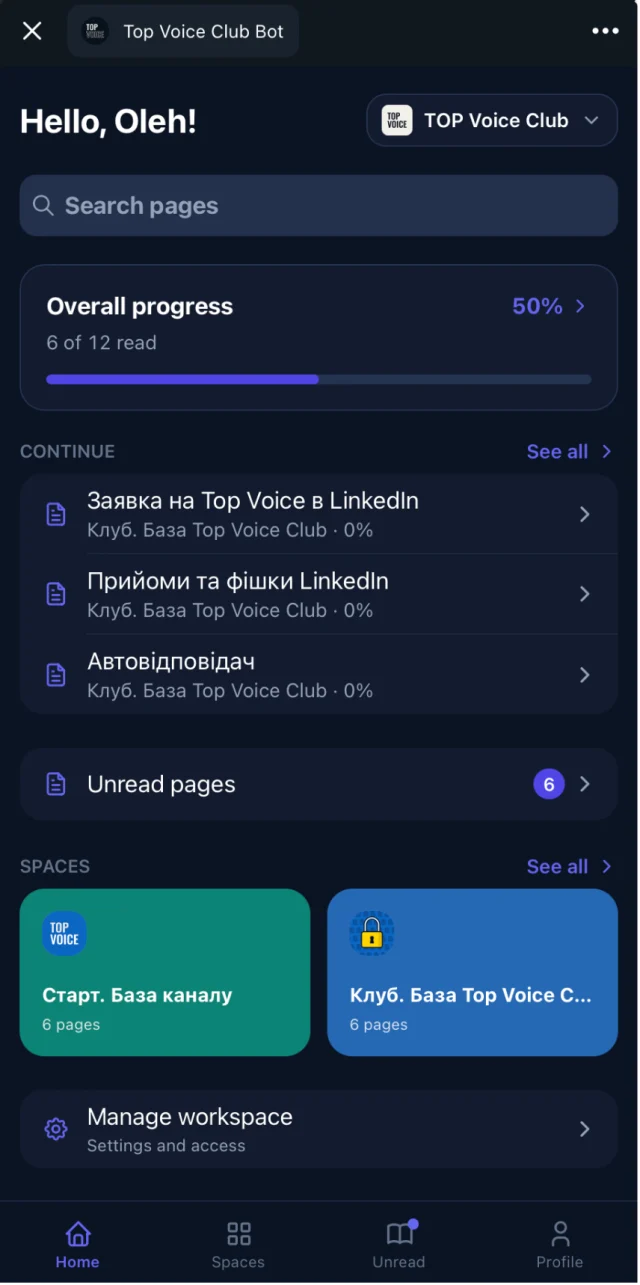
The writing side is simple. Use the page editor, or import Google Docs and keep them in sync, so the doc a volunteer maintains stays the source. Reading progress shows who opened and finished each page.
Rules for a Telegram community knowledge base
- The group talks, the library remembers. Anything people will need again in a month becomes a page.
- Answer twice, write it once. The second time a question comes up, turn your reply into a page and answer with the link from then on.
- One page, one question. "How to join a meetup" is a page. "Everything about events" is a space.
- Mirror the topics people already know. If the group has an "Events" topic, the library has an "Events" space.
- Access follows the group, and nothing else. Don't keep a second member list in a spreadsheet.
- Every recording gets a page. The video, the transcript and a note on who spoke.
- Pin one button, not ten links. The pinned message points to the library. The library points to everything else.
Example: a library for a group with topics
This fits most clubs, hobby groups and alumni communities. The spaces follow the topics members already use. Copy it and rename what doesn't fit.
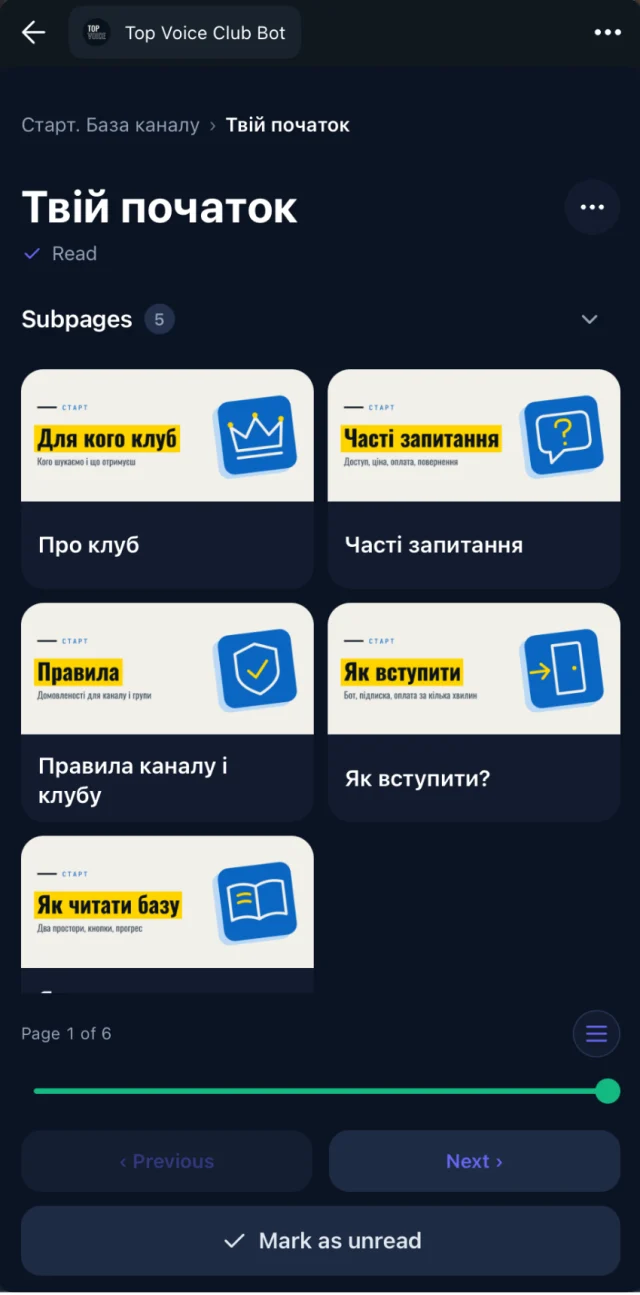
Start here (all members)
  Welcome: who we are and how the group works
  Group rules and how we moderate
  How topics work and where to post what
  Frequently asked questions

Events (members)
  How meetups work and how to sign up
  Talk recordings, newest first
  Event recap pages

Guides and resources (members)
  Beginner guides
  Tools and templates members recommend
  Useful links, checked twice a year

Member directory (members)
  Who is who, by skill and city
  How to introduce yourself

Organizers (admins and volunteers only)
  Moderation playbook
  Speaker planning
  Volunteer roles and handover notes
The open "Start here" space works on the Free plan, and every member of your workspace can read it. Put its link in the group description. The member and organizer spaces are private, which starts on Basic. For a fuller set of example pages, copy the community knowledge base template.
A worked example: an alumni group gets organized
Picture an alumni community of a university program: a supergroup with topics for jobs, events, intros and off-topic, run by three volunteers. Every September a new class joins and asks the same questions.
Collect the answers already written
The volunteers copy their best replies to the most common questions into a few Google Docs: welcome, rules, events, posting a job.
Build the spaces
Welcome and rules go into an open "Start here" space. Event recordings and the job-hunting guide go into a members space.
Connect the group
The alumni group is connected to the "Members" access group. The volunteers get an "Organizers" space of their own.
Pin the button
One pinned message with the library button replaces the old stack of pins.
Each talk becomes a page
After each online talk, a volunteer adds the YouTube link to a new page in "Events". The transcript makes it searchable for next year's class.
September still brings questions, but the answers are a link away. When a volunteer steps down, their handover notes stay in the organizer space.
Best practices for keeping the library useful
- Launch with the ten questions you answer most. Grow from there.
- Name an owner for each space. The events volunteer owns "Events", the moderators own the rules.
- Reply with links in the chat. Every time an admin answers with a page link, members learn where to look first.
- Review twice a year. Check links, rules and dates.
- Ask newcomers what was missing. After their first week, ask what they couldn't find. Write that page next.
- Translate what matters most. In a bilingual group, translate the welcome guide and rules first. Text translation is on Basic and up.
When another tool fits better
Embedify is the library next to your group. It is not a chat, a forum or a moderation bot.
- Payments. No checkout inside Embedify. A paywall bot like Tribute or InviteMember manages the paid group, and Embedify follows it. See how they work together and the page for paid communities.
- Spam and moderation in the chat. Embedify doesn't filter messages or welcome new members in the group. Keep your group management bot for that.
- Courses with quizzes and certificates. No quizzes, grading or certificates. Use a learning platform for that.
- A branded website. No custom domain, page design or themes. Build a site elsewhere and link to the library.
- One-off public posts. If you publish a long read now and then, Telegraph is free and fast.
Stay with Telegram alone
if your group is small and nobody asks for old recordings or guides. Topics and a couple of pins are enough.
Add Embedify
if the same questions come up every week, recordings get lost in topics, or you need some content for members only. The library opens inside the group you already run.
Most communities keep the group for conversation and use Embedify for everything worth finding again.
Running your community on Skool, Circle or Discord instead? See knowledge base for online communities. Hosting meetups in your city? The page for local communities goes deeper there. Not sure which fits? See who uses Embedify.
What it costs
Free is $0 with no time limit: unlimited content and members with Embedify branding, which covers an open "Start here" space for all members. You can link your Telegram group on Free too, and its members read that open space. Private spaces and access groups tied to the group, your own bot, Google Docs sync, translation and AI video summaries start on Basic, from $29/month for up to 300 private members. Pro, from $79/month, raises that to 1,000. Owners and admins don't use member seats, and yearly billing is about 10% cheaper. See pricing for the details and Scale.