
 Download App
Why publish Google Docs as a knowledge base
Most community admins already have their materials in Google Docs. The onboarding guide, the rules, the list of templates, the notes from every guest session.
The trouble starts when you share them. A member taps a Docs link in the chat, lands in a browser, maybe gets a permission screen, and has to come back to Telegram to find the next link. Ten docs later, nobody remembers where anything lives.
Docs links in a chat
- Links buried in pinned messages
- Each doc opens in a separate browser tab
- Sharing settings managed doc by doc
- No search across all the docs at once
- No idea who actually read the guide
Docs as a knowledge base
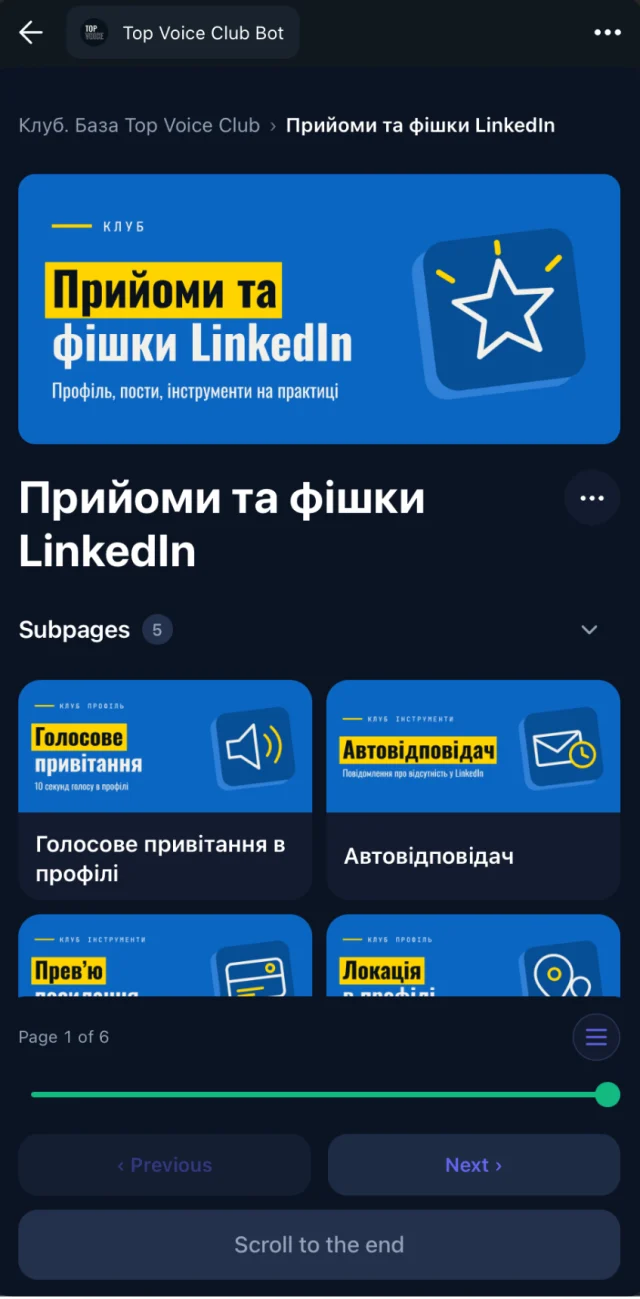
- Every doc becomes a page in one library
- Members open it inside Telegram
- Access follows your Telegram group
- One search box across the whole library
- Reading progress shows who opened and finished
How Google Docs sync works
Connect Google Drive
Pick the Google Docs you want in the knowledge base. Each one becomes a page.
Place pages in spaces
Put the onboarding guide in a welcome space and the session notes in a paid-members space. Access groups decide who sees what.
Keep editing in Google Docs
Fix a typo or add a section in the doc. The page updates, and nobody has to re-share a link.
Members read in Telegram
They tap a button in the chat and the library opens as a Telegram Mini App. Web, iOS and Android apps work too.
A Google Docs website, without building a website
People searching for "google docs website" or "google docs to html" usually want one thing: a doc that looks like a proper page, with a link they can send.
Google's own publish-to-web option gives you a public page. That's fine for something you want the whole internet to read. It doesn't help when the guide is for paying members only, or when you have 40 docs that should feel like one library.
Structure
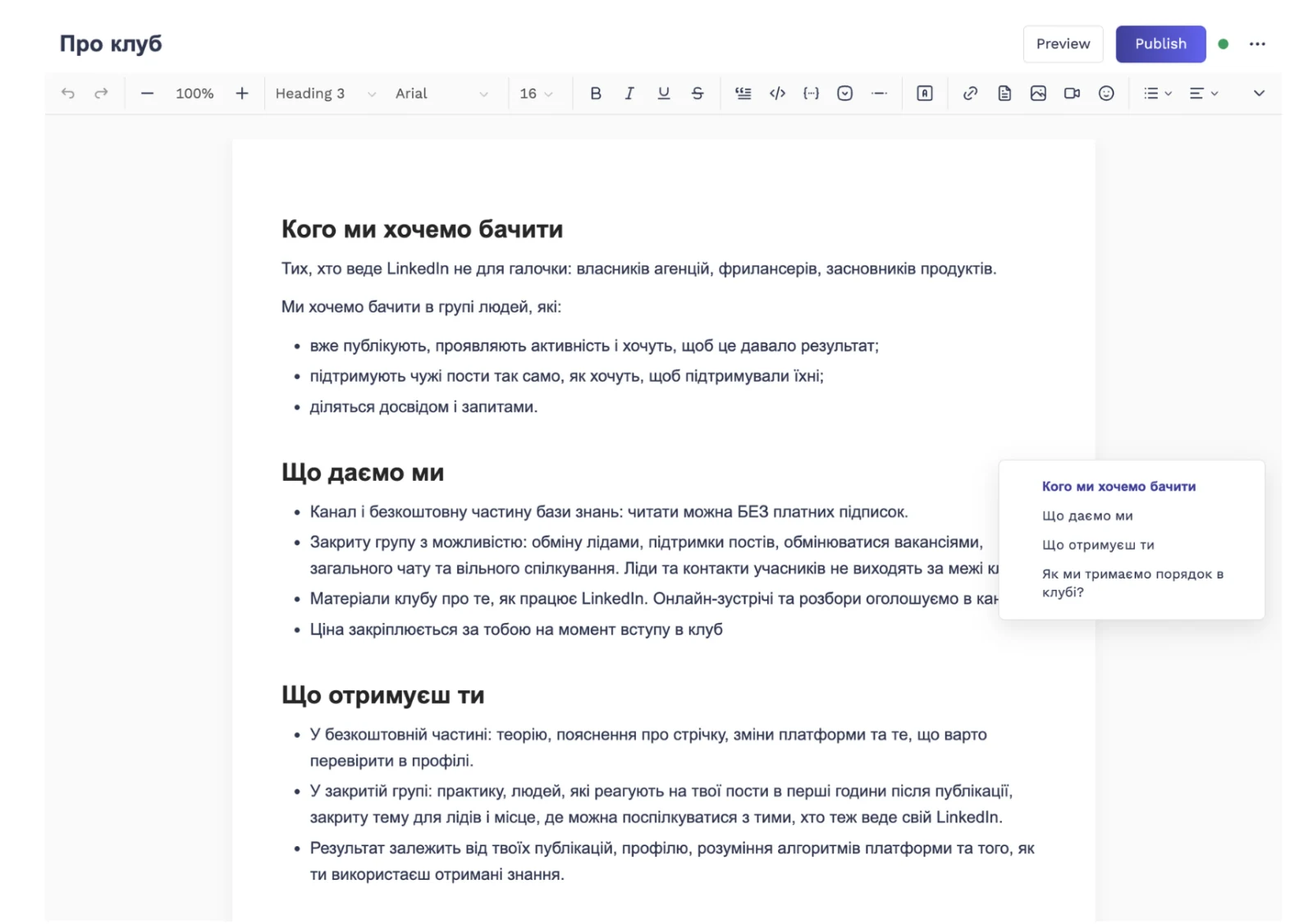
Pages live in spaces, with subpages and an automatic table of contents on long pages.
Private by group
Members of your connected Telegram group get access automatically. People who leave lose it.
Search
Full-text plus semantic search, so members find the right page even when they don't know its title.
Your brand
On Basic and up, the library opens from your own bot, under your community's name and avatar.
Tidy formatting for pasted text
Not everything starts in a clean doc. Some of it is pasted from a chat, an email or an old wiki, and it arrives with odd spacing and random bold.
Tidy formatting cleans pasted text into consistent headings, lists and spacing. You get a page that looks like it was written for the library, without fixing every line by hand. More on that in translation and formatting.
Coming from Notion
If you looked at a Notion website builder or a "Notion to website" tool, you probably want what Notion gives you for writing, plus a better way to share it with members.
Embedify doesn't import from Notion. The route that works today is Google Docs: copy the content into a doc, connect it, and let sync take over. For a full comparison of the two, see Notion vs Embedify.
Stay with Google's publish to web
if the doc is public, it's a one-off, and you don't need structure, search or private access.
Use Embedify
if your docs are for a community in Telegram, should be private to members, and need to be found again next month.
What a synced library looks like
Here's a simple setup for a paid club that writes everything in Google Docs:
- Start here: welcome doc, rules, how to use the chat.
- Sessions: one doc of notes per guest session, with the recording and deck added on the page.
- Templates: contracts, proposals and checklists members asked for.
- FAQ: the answers the admin used to type every week.
The team keeps writing in Google Docs. Members only ever see the library.