
 Download App
Why a members area needs more than one door
Most communities don't have one audience. There's a free tier and a paid tier, this year's cohort and last year's, members and the mentors who support them.
Without access control, admins end up with a separate Notion page, Google Drive folder or chat for each group, and add or remove people by hand in every one.
Spaces
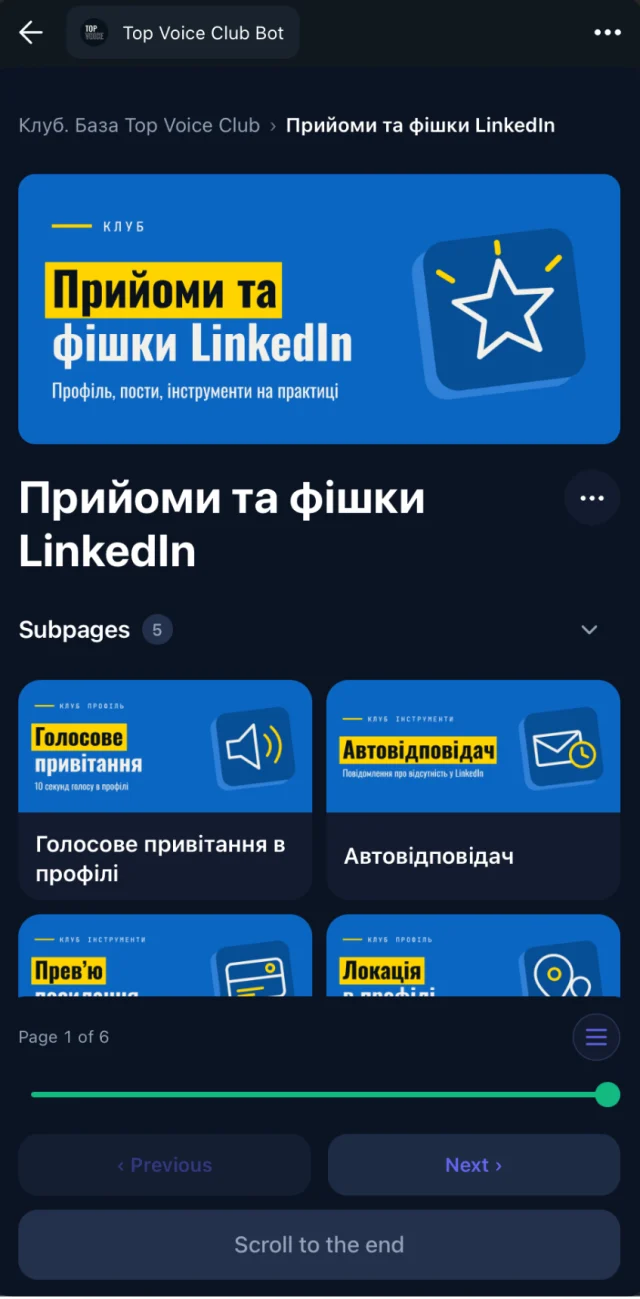
Sections of your knowledge base: Start here, Recordings, Templates, Mentor playbook. Each space holds its own pages.
Access groups
Who can open which space: free members, paid members, cohort A, mentors only.
Automatic access
Members of your connected Telegram group get access automatically. When someone leaves, access goes with them.
Three knowledge base access control setups
A paid club with a free tier
| Space | Free members | Paid members |
|---|---|---|
| Start here and rules | Yes | Yes |
| Sample session | Yes | Yes |
| All session recordings | No | Yes |
| Templates and contracts | No | Yes |
An online school with cohorts
- Course basics: open to every cohort.
- Cohort A, spring: lessons and homework docs for cohort A only.
- Cohort B, autumn: the same structure for cohort B, with their own recordings.
- Alumni: extra material for everyone who finished.
A mastermind with mentors
- Session archive: every call, with transcripts and AI summaries, for all members.
- Member resources: frameworks and templates for all members.
- Mentor playbook: how to run hot seats and follow-ups, visible to mentors only.
Access that follows your Telegram group
The usual stack is a Telegram chat plus a separate platform for content. Each time someone pays, an admin adds them in two places. Each time someone leaves, they often stay in the second place for months.
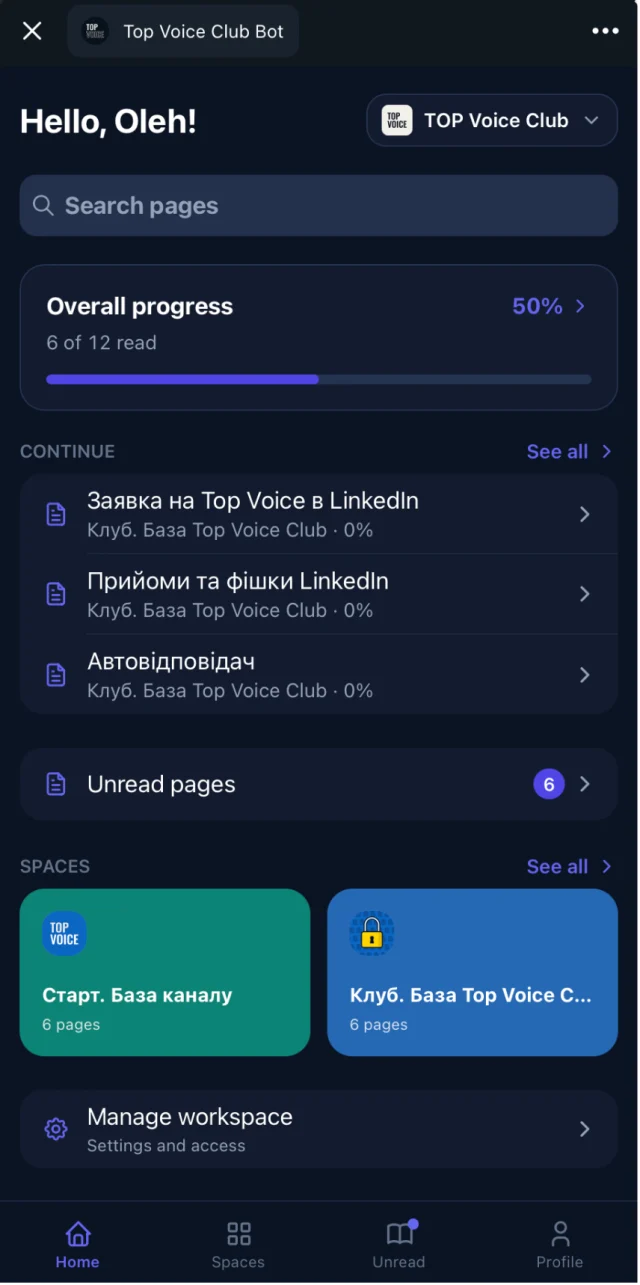
Embedify connects to your Telegram group. Members of the group get access automatically, and people who leave the group lose it. More on how this works in automatic access for group members.
The chat already knows who's in. Your knowledge base should too.
A private community platform without moving the community
A membership website or a private community platform usually means moving members to a new site and a new login. Some communities want exactly that, and tools like Circle or Mighty Networks are built for it. See Circle vs Embedify for a fair comparison.
If your community already lives in Telegram, Embedify keeps it there. Members tap a button in the chat and the library opens as a Mini App, with no new account. On Basic and up, it opens from your own bot under your community's name.
Plans and member limits
- Free: $0, no time limit. Unlimited open content and readers, Embedify branding and bot.
- Basic: from $29/month. Private access for up to 300 members, your own bot, Google Docs sync, translation.
- Pro: up to 1,000 private members, adds speaker pages and meeting summaries. See pricing.
- Scale: custom, for 1,000+ members. See pricing.