
 Download App
What an online school in Telegram looks like today
Each cohort has its own Telegram group. Lessons go out as video links, homework as Google Docs, and announcements as pinned messages. The teaching works because students already live in Telegram.
The materials don't. By week 4, a student scrolls past 600 messages to find the week 1 homework. By cohort 3, you're copying the same links into a new chat and removing last cohort's students from shared folders by hand.
3 moments where the knowledge gets lost
The missed lesson
A student misses a live session. The recording link was posted on Thursday, and on Sunday it's buried under 200 replies about homework.
The homework doc
You fixed a typo in the homework doc, but half the cohort has an old copy. Some students can't open it at all because the sharing settings changed.
The next cohort
Cohort 4 starts. Cohort 3 should keep the alumni material but not the new live sessions. You fix access in Drive, Notion and YouTube, one student at a time.
How Embedify works as a knowledge base for online schools
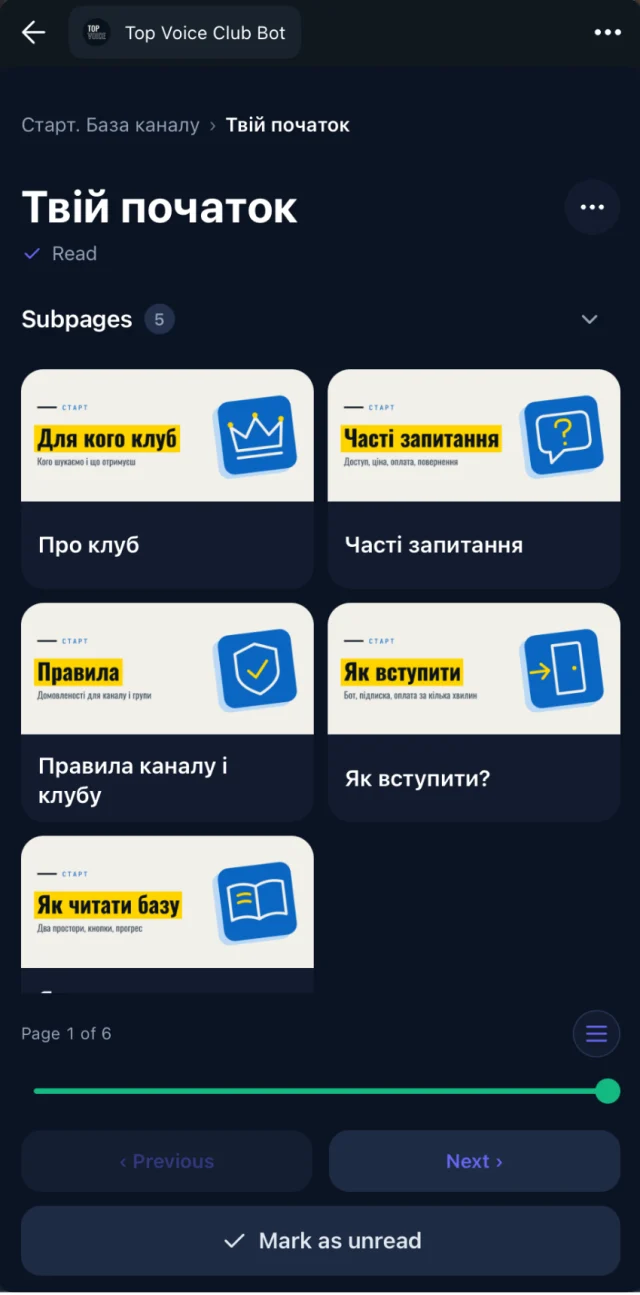
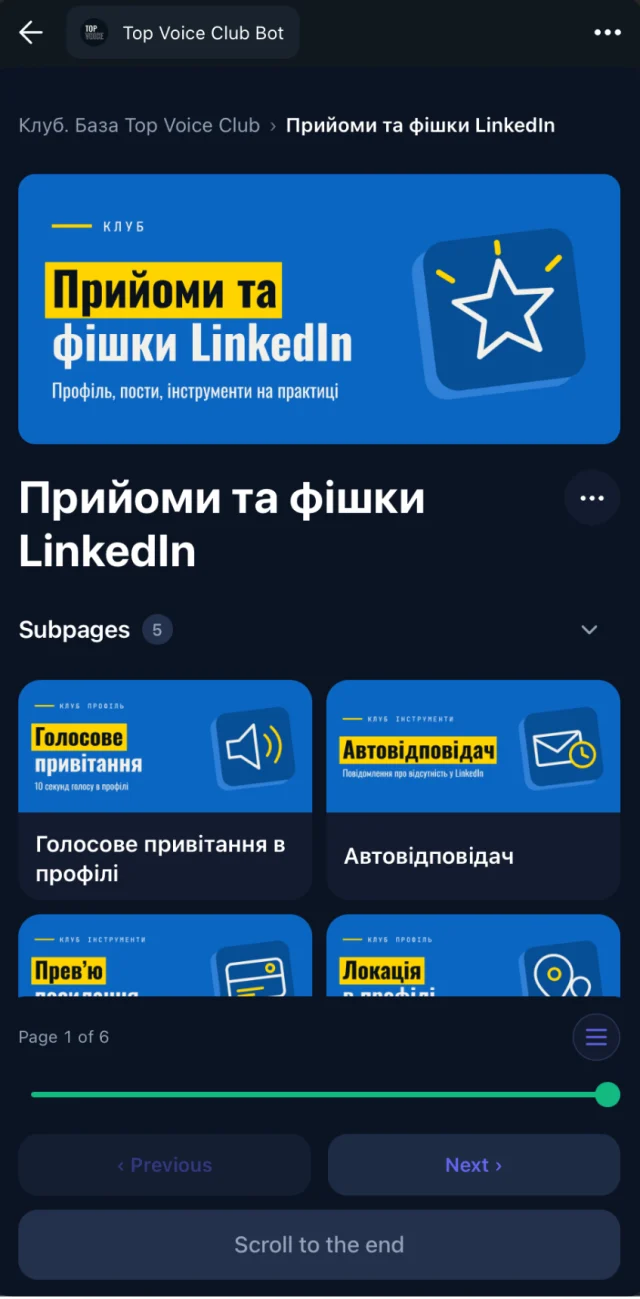
Embedify adds a library to your cohort chats. Students open it inside Telegram as a Mini App with their Telegram account, so there's no extra login.
- Cohort access groups. Connect each cohort's Telegram group. Students in cohort A see cohort A's space; cohort B sees theirs. Alumni and mentors can have their own spaces too.
- Lessons with transcript and summary. YouTube and Vimeo lesson recordings get a transcript and an AI summary, so a student who missed the call catches up fast.
- Homework from Google Docs. Import your Google Docs and keep them in sync. Fix the doc, and the page updates for everyone.
- Slides on the page. Google Slides, PPTX and PDF decks open on the page, on the student's phone.
- Reading progress. You see which students opened and finished each lesson page, so you know who to nudge before the next session.
Students don't drop out of a course because a link broke. They drop out after the third time they couldn't find something.
A sample space structure for a cohort course
| Space | What goes in it | Who sees it |
|---|---|---|
| Start here | Schedule, rules, how to submit homework | All students |
| Cohort 4: lessons | Week by week: recording, slides, summary | Cohort 4 |
| Cohort 4: homework | Assignments synced from Google Docs | Cohort 4 |
| Library | Evergreen guides and templates from every cohort | All students and alumni |
| Alumni | Bonus sessions, updates to the course | Past cohorts |
| Teachers | Lesson plans, feedback notes | Teachers and mentors |
When an LMS or a course platform fits better
Embedify doesn't run quizzes, grades or certificates, and it doesn't sell courses. If you need graded tests and certification, a corporate LMS is the better tool; see TalentLMS vs Embedify. If you need sales funnels and course checkout in one platform, see GetCourse vs Embedify.
Many schools use both: a platform for payments or grading, and Embedify as the place students actually read. Start on the Free plan; private access and your own bot start on Basic from $29/month, and Pro and Scale are on the pricing page.