
 Download App
The deck problem every community has
Your Tuesday speaker sends a Google Slides link. Thursday's guest sends a PPTX by email. Someone else exports to PDF and drops it in the chat.
Members then need a slides viewer, a PowerPoint app and a PDF reader to follow one month of sessions. On a phone, half of them give up.
Decks scattered around
- Files and links dropped in the chat
- PPTX opens badly or not at all on a phone
- The deck is separate from the recording
- Public links that anyone can forward
Decks on the session page
- Google Slides, PPTX and PDF on one page
- Members view them inside Telegram
- Deck, recording and notes in one place
- Access limited to your group members
How to embed Google Slides in a website the usual way
If you only need a public page, Google Slides has a built-in option. Google's help page lists these steps:
- Open the presentation in Google Slides.
- Go to File, then Share, then Publish to web.
- Choose Embed, then pick the size and how fast slides advance.
- Click Publish and copy the HTML into your site.
PowerPoint works in a similar way, with a catch: Microsoft says the embed code has to come from PowerPoint for the web, with the file saved to OneDrive. For a PDF, you usually upload it to your site and link or embed it with a viewer.
Embed Google Slides, PPTX and PDF in Embedify
Open the session page
In the page editor, open the page for that session or create a new one.
Add the deck
Add the speaker's Google Slides, PPTX or PDF. All three show on the page in the same way.
Add the rest
Put the recording, the notes and links on the same page. YouTube and Vimeo videos get a transcript and an AI summary.
Publish to the right space
Choose the space, and access groups decide who can open it. Preview before publishing.
Why one page beats three links
Works on a phone
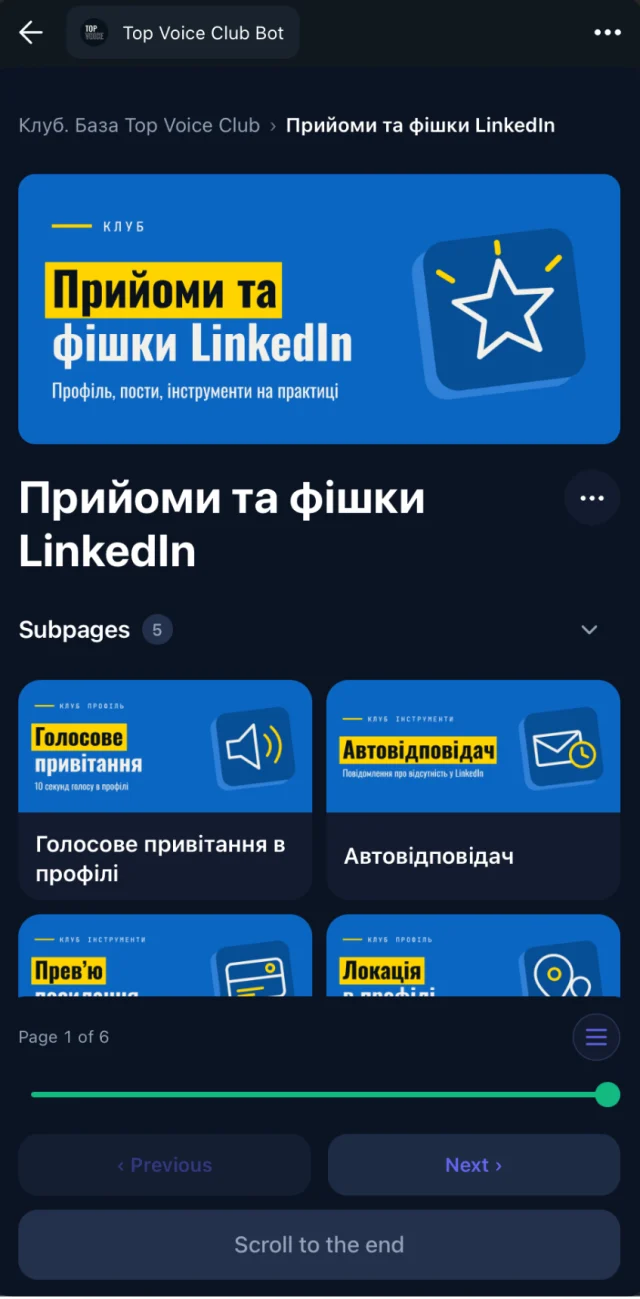
Members open the page from the chat as a Telegram Mini App, or in the web, iOS and Android apps.
Private to members
Members of your connected Telegram group get access automatically. When they leave, access goes with them.
Easy to find again
Search covers the whole knowledge base, including the transcript of the session the deck belongs to.
You see who opened it
Reading progress shows who opened and who finished the page.
Which tool to use
Use Google's Publish to web
if the deck is public, you already have a website, and you only need one presentation on one page.
Use Embedify
if decks come from many speakers in different formats, belong next to the recordings, and should stay with your members in Telegram.
For clubs with a weekly speaker, see how a full speaker page brings the deck, bio, recording and summary together.