 Download App
Tribute or InviteMember
Paywall bots: subscriptions, payments, invite links, removal when a subscription ends.
Tribute 10%; InviteMember from $32.50/mo
If you're searching for an InviteMember alternative, you may be comparing it with Tribute. Both take the money and let paying people into your Telegram group or channel. Neither holds your course materials, and that's the part Embedify covers. So this page is less "which one" and more "which ones together".
Paywall bots: subscriptions, payments, invite links, removal when a subscription ends.
Tribute 10%; InviteMember from $32.50/mo Embedify
The content layer: a knowledge base inside Telegram that opens for whoever is in the group.
Free plan, own bot from $29/moA paid Telegram community does three different jobs. It helps to name them, because no single tool here does all three.
Subscriptions, one-off payments, renewals, failed cards.
Let paying people into the group and remove them when they stop paying.
Recordings, guides, templates and decks members can find later.
Tribute and InviteMember do the first two. Embedify does the third, and reads the second: whoever is in your group gets access to the library.
Tribute is a Telegram bot for creators. You connect your channel, set a price, and it handles subscriptions and donations. When a subscription isn't renewed, the bot removes the subscriber from the channel.
The pricing is simple. Tribute's own docs list a 10% fee on each successful transaction, and that covers payment processing. Subscribers also pay a service fee that varies with the amount (it doesn't apply to payments through Telegram Wallet). You pay nothing until you earn.
InviteMember is a membership bot for private Telegram channels and groups. Members join through join-request links, and the bot approves or declines them based on their subscription. It connects to payment processors like Stripe.
It charges a flat monthly fee with no transaction fee from InviteMember. Processor fees still apply. Plans are capped by how much you sell each month:
| InviteMember plan | Monthly sales cap | Billed monthly | Billed annually |
|---|---|---|---|
| Leader | Up to $1,000 | $39/mo | $32.50/mo |
| Visionary | Up to $2,000 | $79/mo | $65.83/mo |
| Innovator | Up to $5,000 | $149/mo | $124.17/mo |
InviteMember prices from invitemember.com, checked November 2026. Check the vendor's page for current pricing and plans above $5,000 in sales.
Which one is cheaper depends on your revenue. Two worked examples, using the published fees:
| Monthly sales | Tribute (10%) | InviteMember (monthly billing) |
|---|---|---|
| $800 | $80, processing included | $39 (Leader) plus processor fees |
| $4,000 | $400, processing included | $149 (Innovator) plus processor fees |
Processor fees (for example, Stripe's) vary by country and card. Tribute's subscriber-side service fee is paid by subscribers on top. Fees checked in November 2026; check both vendors' pages.
Small and starting out, Tribute's "pay only when you earn" is easy. As revenue grows, a flat fee usually costs less. Tribute's 10% is all-in, so compare it against InviteMember plus your processor, not InviteMember alone.
Once someone has paid and joined, the paywall's job is done. The member's job is starting, and that's where things get messy.
You ran a 90-minute session last Tuesday. The link is in the chat, under 300 messages. A new member who joined today can't find it and asks.
Your guides live in Google Drive or Notion, shared by link. When someone stops paying, the bot removes them from the group, but the Drive link still works.
If your course content sits in a separate platform, every new subscriber needs a second invite there, and every cancellation needs a second removal.
Your paywall decides who is in the group. Your library should follow that decision on its own.
Embedify is a knowledge base that opens inside Telegram. Connect your group, and its members get access automatically. When the paywall bot removes someone, they lose access to the library too. You don't touch a second list.
A member pays through Tribute, InviteMember or Telegram Stars.
The bot lets them into your private Telegram group, and removes them when the subscription ends.
Group membership opens the library inside Telegram. Leave the group, lose the library. No manual step.
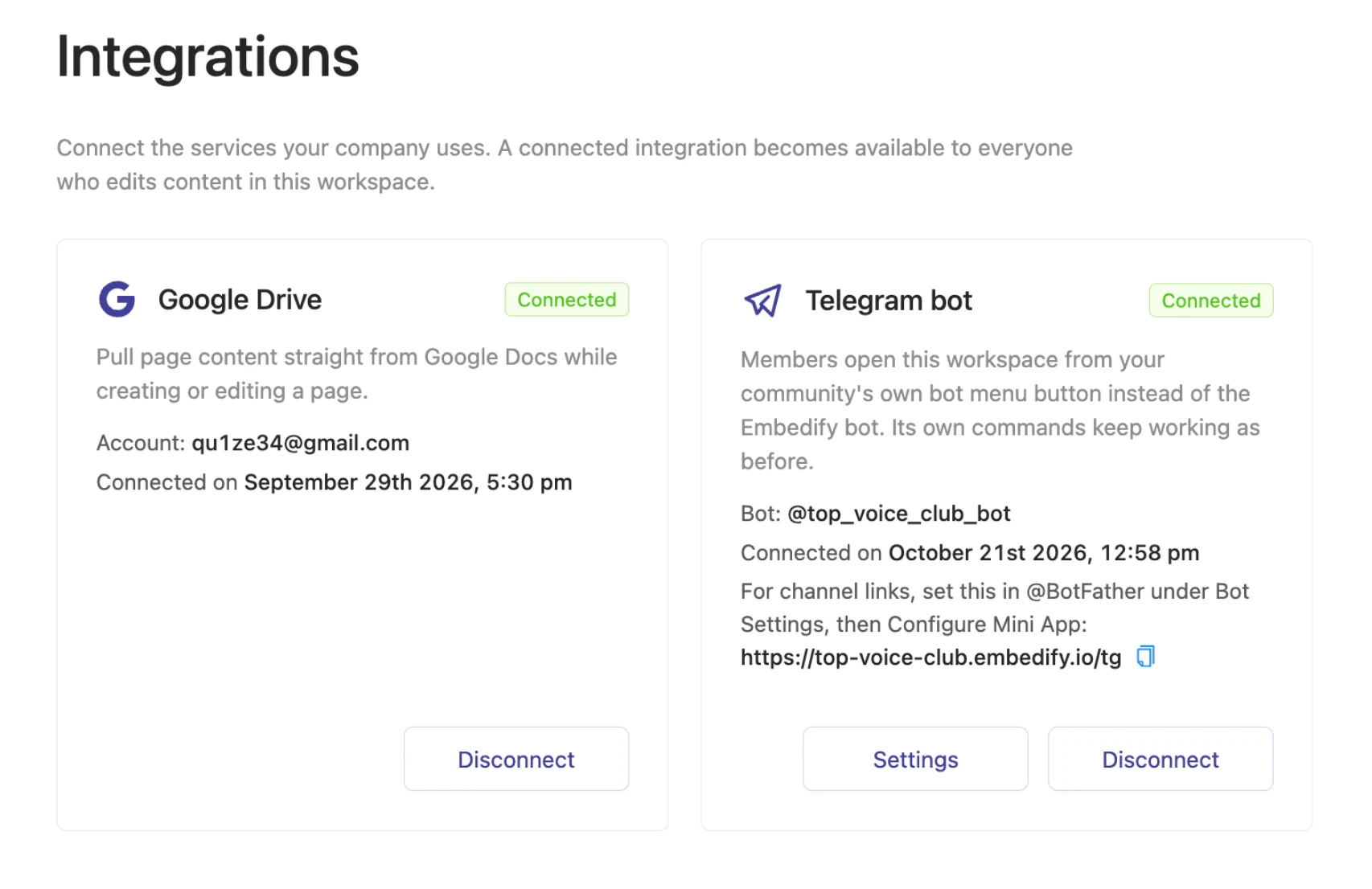
Inside the library, members get spaces for each tier (free and paid, cohort A and cohort B), semantic search across pages and video transcripts, and AI summaries of YouTube and Vimeo recordings. Admins see who opened and who finished each page. On Basic and up, the library opens from your own bot.
See how this works for paid professional clubs, or how automatic access for group members is set up.
| Tribute | InviteMember | Embedify | |
|---|---|---|---|
| Main job | Payments and channel access | Payments and channel/group access | Content library for members |
| Takes payments | Yes | Yes, through processors | No |
| Removes lapsed members | Yes | Yes, by subscription status | Follows the group |
| Holds course materials | No | No | Yes: pages, docs, video, decks |
| Search and video summaries | No | No | Yes |
| Pricing model | 10% per transaction | Flat, from $32.50/mo | Free; own bot from $29/mo |
Tribute and InviteMember details from their own docs and pricing pages, checked November 2026. For Embedify Pro and Scale, see pricing.
to take the money. Tribute if you want no monthly bill and an all-in fee. InviteMember if your sales are steady and a flat fee works out cheaper. Embedify doesn't replace either.
when your members need a place to find what they paid for: recordings, guides, templates. It works with whichever paywall you choose, because it follows group membership.
The usual setup is both: a paywall bot at the door, Embedify as the library inside.
Create a private group or channel, then connect a paywall bot such as Tribute or InviteMember. It takes payments, lets subscribers in and removes them when they stop paying. For channels, Telegram also offers paid invite links in Stars.
Tribute's docs list a 10% fee on each successful transaction, including payment processing. Subscribers pay a separate service fee that depends on the amount. Checked November 2026; see Tribute's wiki for current terms.
Tribute charges a percentage of sales instead of a monthly fee. Telegram's own Stars subscriptions for channels are another option. Compare total costs at your revenue level before switching.
In a place that follows your member list. Embedify opens inside Telegram and gives access to everyone in the connected group, so when the paywall bot removes a member, their library access ends too.
Yes, through the group. The paywall adds and removes members, and Embedify gives access to whoever is currently in the connected Telegram group. There's nothing to sync between them.
Start free and build your first knowledge base from your own materials. Add your own branded bot from $29/month.