
 Download App
Who this is for
Owners of small businesses with a handful to a few dozen people: a shop, a café, a salon, a studio, a small agency, a local repair or cleaning service. You probably talk to staff in a Telegram group already, and often keep a group or channel for regular clients too.
You don't have an HR department or an IT person. If something gets written down, you write it. Three scenes will sound familiar.
The seasonal hire
A café takes on four people for summer. Each one asks how to close the till, where the spare cups are and what to do when the card terminal freezes. You answer the same questions four times, on your day off.
The question regulars keep asking
A salon's client channel gets the same five messages every week: prices, cancellation rules, parking, what to do before a color appointment. Someone on staff types the answer again each time, a little differently.
The docs nobody can find
A small agency has the onboarding guide, the client checklist and the brand rules in Google Drive. Nobody remembers the links, and the person who left last month still has access to the folder.
If you lead a team that works in Telegram and you're not the owner, the page for teams covers the same ground from a manager's side. This page is the owner's view: your time, your budget, and the fact that you're usually the only one doing it.
Why Embedify fits a small business
No coding, no design work
There is no site to build and no theme to pick. You write pages or import docs, and Embedify lays them out with covers, subpages and an automatic table of contents.
Keep writing in Google Docs
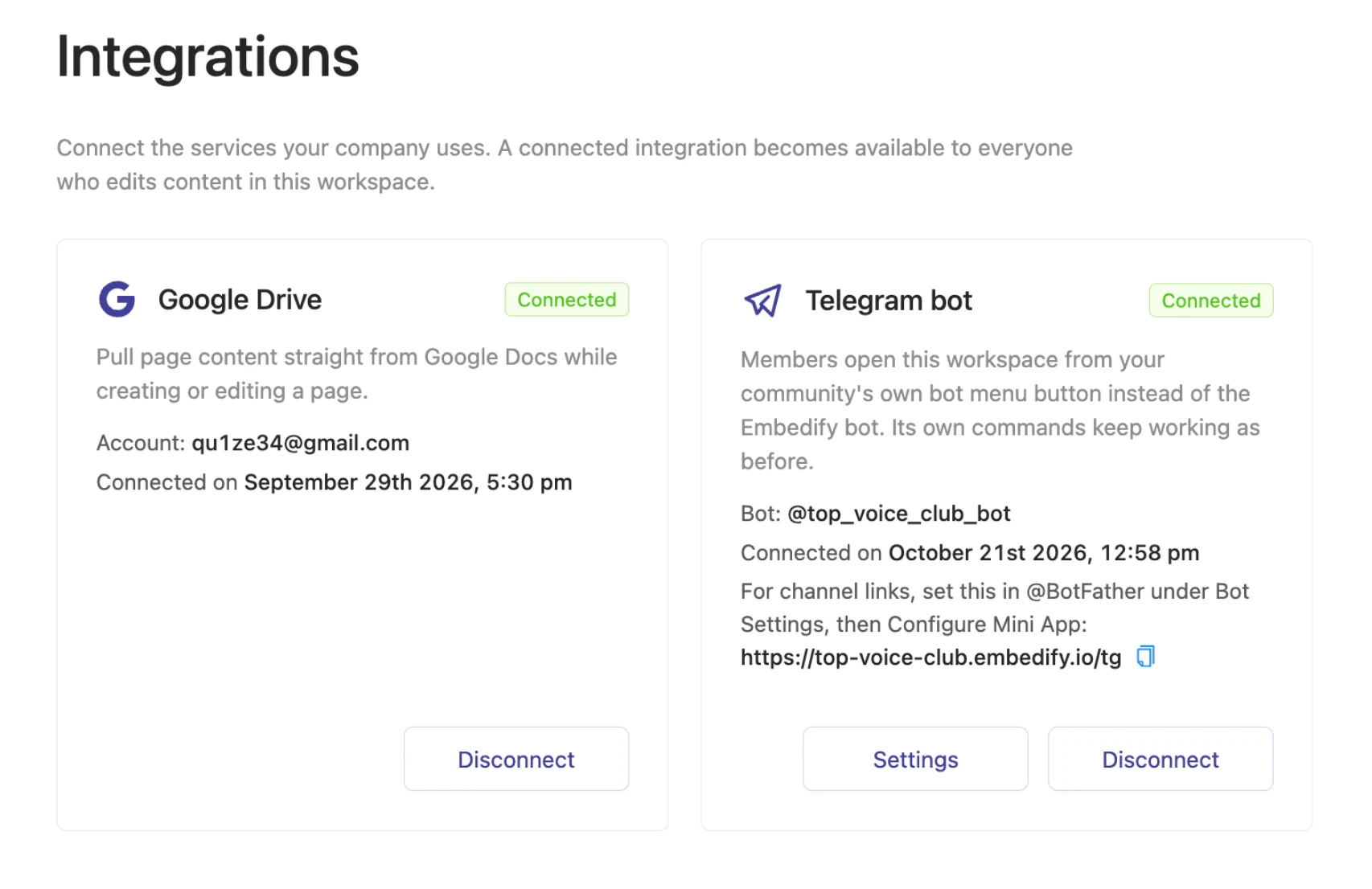
Import your existing docs and keep them in sync. Change the opening hours in the doc, and the page updates. See Google Docs sync.
Staff and customers apart
The open space is read by every member of your workspace, customers from a linked group included. Private spaces for staff and managers are read only by their access groups. See spaces and access groups.
Opens where people already are
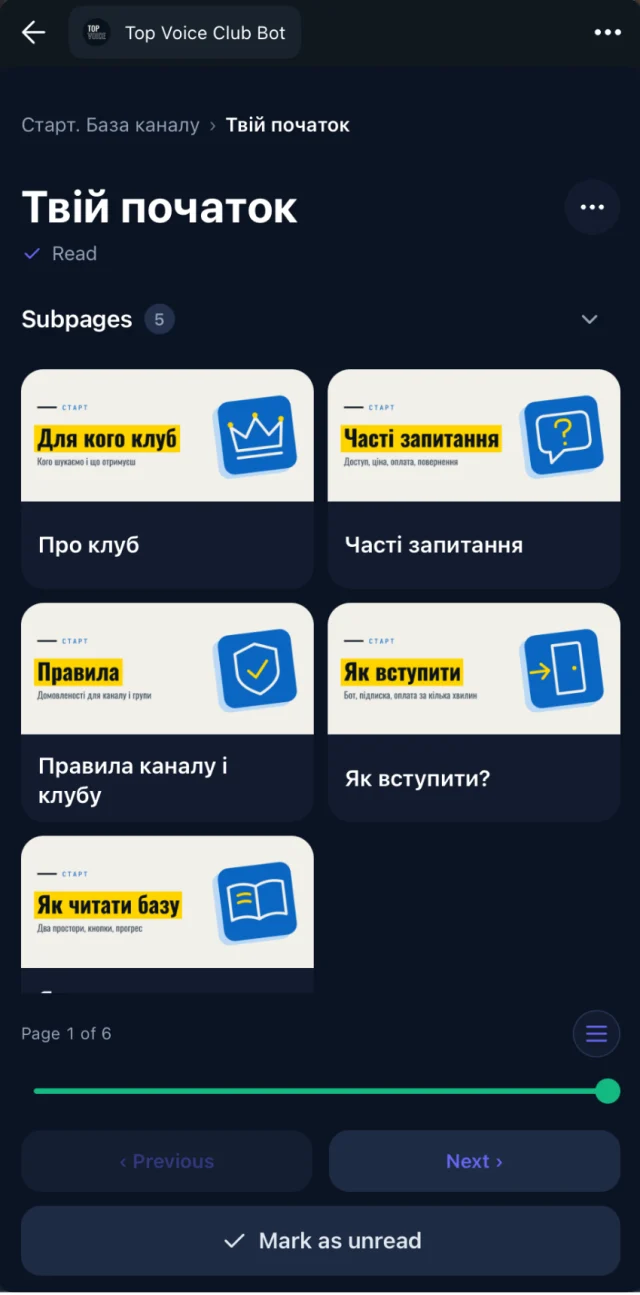
Staff tap a button in the work chat and the library opens as a Telegram Mini App. Web, iOS and Android apps work too.
Staff turnover handles itself
Members of the connected staff group get access automatically and lose it when they leave the group. See automatic access for group members.
Search that answers questions
Full-text plus semantic search, so "the card machine is stuck" finds the page called "Payment terminal problems". See search.
You can also see who opened and who finished each page. When you change the closing routine, reading progress tells you who has seen the new version before Saturday's shift.
Rules for a small business knowledge base
A handbook that works is short, current and easy to reach. These rules keep it that way without taking over your week.
- One page answers one question. "How to close the till" is a page. "Everything about the evening shift" is three pages.
- Write the answer you gave last time. The best first pages are the replies you already typed in the chat. Copy them in and tidy them up.
- Keep customer and staff content apart. Prices and policies go in the open space, which every member reads, customers included. Supplier contacts, cash rules and passwords for the booking system never do.
- The doc is the source. Edit in Google Docs, not in a chat message. If the answer changes, change the doc, and the page follows.
- Access follows the Telegram groups. Add people to the staff group on their first day and remove them on their last. Someone not on Telegram gets an email invite instead. Don't keep a second list.
- Date the pages that go stale. Prices, hours and seasonal menus get a "last checked" line at the top.
- Answer with a link. When someone asks in the chat, reply with the page. People learn where to look first.
Example: a customer space and a private staff space
Here is a structure that fits most shops, cafés, salons and service businesses. Copy it and rename the pages to match yours.
Customer help (open space: staff plus members of your linked customer group or channel)
  Prices and services
  Opening hours and how to find us
  Booking, changes and cancellations
  Payment, refunds and returns
  Frequently asked questions

Staff (private: staff access group only)
  Welcome: who we are and how we work
  First-shift checklist
  Opening and closing routines
  How to handle a complaint
  Payment terminal and booking system problems
  Suppliers and who to call
  Recorded trainings

Owner and managers (private: managers access group only)
  Pricing rules and discounts
  Hiring and seasonal staff
  Monthly checks
Link your customer Telegram group or channel to the workspace and its members read "Customer help" inside Telegram. It is not public: people outside the group, or visitors from Google, see nothing. The staff and manager spaces are private, which starts on Basic.
A worked example: a small café gets ready for summer
Picture a café owner with three permanent staff who hires a few extra people each summer, and runs a Telegram channel for regulars with menu news. Training used to happen on the first shift, at the counter, between orders.
One evening of writing
The owner opens the Google Docs they already had (the closing checklist, the allergen list, the coffee recipes) and writes two new ones from questions in the staff chat.
Import and sort
They import the docs into a private "Staff" space and put the allergen list, hours and prices in the open "Customer help" space.
Connect both groups
The staff Telegram group is connected to the "Staff" access group. The channel for regulars is linked to the workspace, so its subscribers can read "Customer help" and nothing else.
First day for new hires
Each new hire is added to the group, taps the pinned button and reads the first-shift checklist before arriving. Reading progress shows who finished it.
End of season
When the summer staff leave the group in September, their access to the staff space ends with it. The owner doesn't touch a settings page.
The questions don't disappear, but they change. Instead of "how do I close the till", it's "the checklist says X, is that still right?" That is a question the owner can fix once, in the doc.
Best practices for keeping it useful
- Start with ten pages, not fifty. The ten questions you answer most often are enough to launch.
- Pin the button in the staff chat. The library should be one tap from where people already talk.
- Record a training once. Film the coffee machine cleaning or the booking system walkthrough, add the YouTube or Vimeo link to a page, and stop repeating it. Transcripts and summaries make it searchable. See video summaries.
- Review on a fixed day. Once a month, or before each season, open the pages with dates and check prices and hours.
- Ask new staff what was missing. At the end of their first week, ask which question the handbook didn't answer. Write that page next.
- Keep one owner per space. If a manager runs the staff space, they own its updates. You keep the customer space.
The handbook is finished when people stop asking you, not when it has every page.
When another tool fits better
Embedify is a place to publish and find knowledge for the people connected to your business through Telegram or invited by email. It is not a website builder, a shop or an HR system, and it's better to know that now.
- No public pages. Every page needs a signed-in member, and search engines can't index them. A FAQ that new customers find on Google belongs on your website or a public help center.
- No custom domain and no custom page design or themes. If you need a branded website for your business, use a website builder for that.
- No payments, bookings or checkout inside Embedify. Keep your booking tool and your till.
- No e-signatures or policy sign-off. Reading progress shows who opened and finished a page; it is not a legal acknowledgment.
- No quizzes, certificates or graded training. If you need staff certification, a learning platform is the better fit.
- No shift scheduling or task tracking. Your rota stays in the tool you use today.
Choose a website builder or an all-in-one workspace
if you need a branded public site with your own domain and a FAQ anyone can find, or a tool where staff co-write documents, track tasks and plan shifts.
Choose Embedify
if you want a staff handbook out of Google Docs plus a FAQ for customers in your Telegram group or channel, with access that follows your groups, and nothing to build.
Many small businesses keep a simple website with a public FAQ and use Embedify for the handbook and for regulars in their Telegram group.
If you are building a training program for a growing team, the HR knowledge base page goes deeper into onboarding and policies. Working alone? See Embedify for freelancers.
What it costs
Free is $0 with no time limit: unlimited content and any number of members reading the open space, with Embedify branding. That covers a handbook or a customer space when everyone may read everything. Hiding staff pages from customers needs private spaces, which start on Basic with your own Telegram bot, your company avatar and Google Docs sync, from $29/month for up to 300 private members. You and your admin don't use member seats. Yearly billing is about 10% cheaper. See pricing for Pro and Scale.