
 Download App
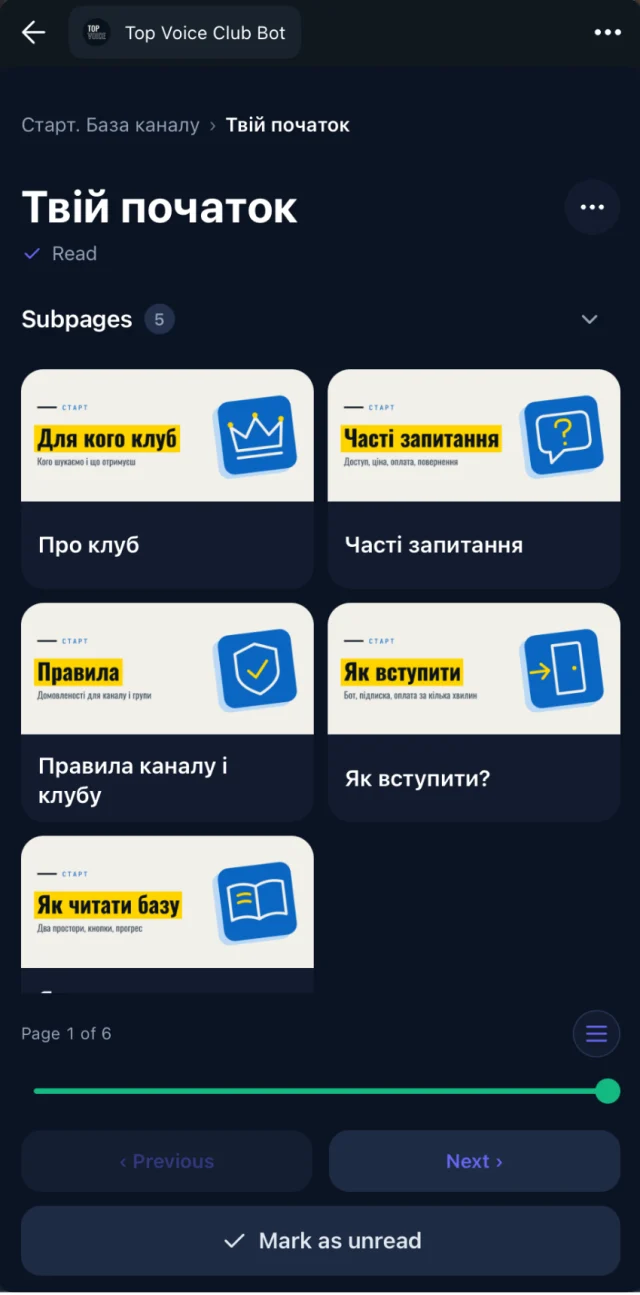
Why the replay is half of what members pay for
People join a paid club for the live sessions. Then life happens: a client call, a different time zone, a sick kid. Most members miss more calls than they attend.
For them, the replay is the membership. If it's hard to find, or it's a raw 90-minute file with no context, the session they paid for never reaches them.
A member who can't make the live call should still get the value of it. That's the job of an on demand webinar.
What a good on demand webinar page holds
A link to a recording is a file. An on-demand webinar page is a short briefing that helps someone decide what to watch and then gives them everything they need.
Summary first
An AI summary of the main points sits above the video, so members know what the session covered before pressing play.
The recording
Your YouTube or Vimeo video, embedded on the page and playable inside Telegram, on the web and in the mobile apps.
Transcript
Every word as text. Members who prefer reading, or can't play sound, follow along without the video.
The deck
Google Slides, PPTX or PDF slides on the page, next to the recording that walked through them.
Notes and links
Google Docs with homework or resources, kept in sync. Edit the doc and the page updates.
Related sessions
Link the earlier and later sessions on the same topic, so one replay leads to the next.
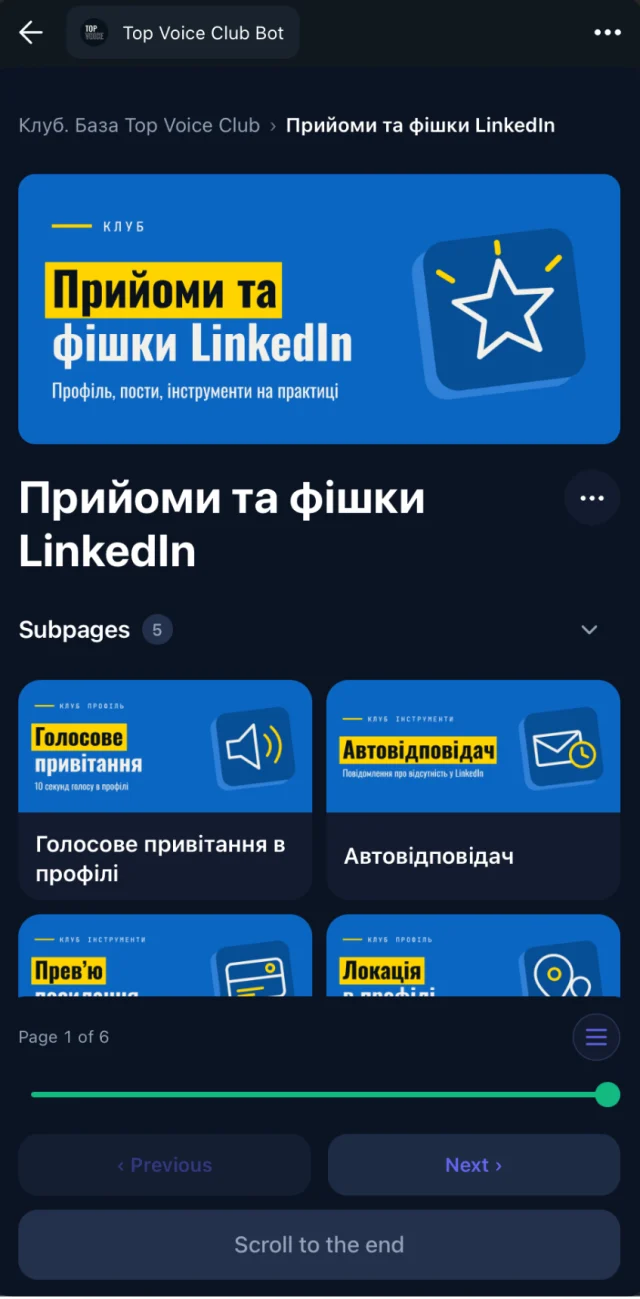
The summary as a "should I watch this?" filter
Nobody has 90 minutes for every replay. The summary lets a member decide in 2 minutes whether this session is for them.
You can add a line of your own at the top of the page as well. For example: "Watch minutes 12 to 30 if you only care about pricing. The Q&A at the end covers hiring." That one sentence saves your members hours across a year.
The transcript does the rest. Search covers what was said in every session, so a member who types "retainer contract" finds the replay where a guest spent 15 minutes on it, even if the title says something else.
Free preview, paid replay
Embedify splits content into spaces, and access groups decide who sees each one. That gives you a simple way to use on demand webinars for growth as well as for retention.
| Free members or the public | Paying members | |
|---|---|---|
| Session summary page | Yes | Yes |
| Full recording and transcript | No | Yes |
| Deck and notes | Your choice | Yes |
| Where it lives | An open space | A space for the paid access group |
The free summary shows what people are missing. The full replay is the reason to stay subscribed.
Access follows your connected Telegram group. When someone joins the paid group, the paid replays open for them. When they leave, access goes with them, and nobody removes them by hand.
Private video hosting without moving your videos
Embedify doesn't record, host or stream webinars. You run the session in Zoom, Google Meet, YouTube Live or StreamYard, put the recording on YouTube (unlisted) or Vimeo, and embed it on the page.
The members area is the page itself. Members reach the replay through a library only your group can open, instead of through a bare link in the chat.
Know which replays get used
Embedify shows admins who opened each page and who finished it. That's page reading progress, not video analytics, but it answers a useful question: which sessions do members come back to?
If the pricing workshop gets opened every week and the tools roundup never does, you know what to run next.
Set up your on demand webinar library
Pick the sessions
Start with your last 10 recordings. Those are what members are asking about.
Create the spaces
One open space for summaries, one space for full replays tied to your paid access group.
Build a page per session
Paste the YouTube or Vimeo link. The transcript and AI summary appear. Add the deck, notes and a one-line "what to watch" tip.
Link related sessions
Point each replay to the sessions before and after it on the same topic.
Share one button
Members tap it in the chat and the library opens inside Telegram, under your own bot on Basic and above.
Want the full archive view, with speaker pages and a calendar? Read about the webinar recording library.