
 Download App
Who this is for
Plenty of small companies, agencies, shops and remote teams run day to day in Telegram. A team group for announcements, a few topic chats, maybe a bot for orders.
The documents live somewhere else: Google Drive, a Notion page someone set up two years ago, or the head of the person who's been there longest.
Three moments where team knowledge gets lost
A new hire's first week
They get 15 links in a DM, half need access requests, and they still ask in the chat where the refund policy is.
The SOP nobody opened
You updated the returns process on Monday. On Thursday, someone does it the old way. You can't tell who read the new version.
The person who leaves
They leave the team group but still have the link to the internal docs folder for months.
How an internal knowledge base in Telegram fits
Opens from the chat
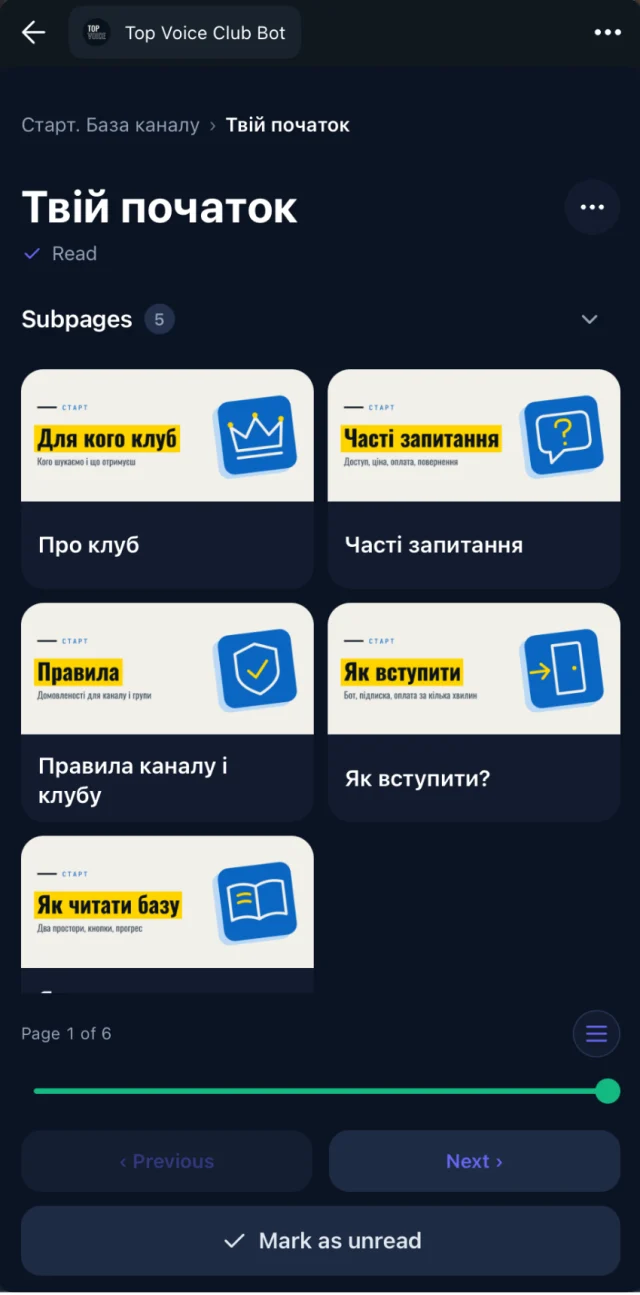
Teammates tap a button in Telegram and the library opens as a Mini App. Web, iOS and Android apps work too.
Write in Google Docs
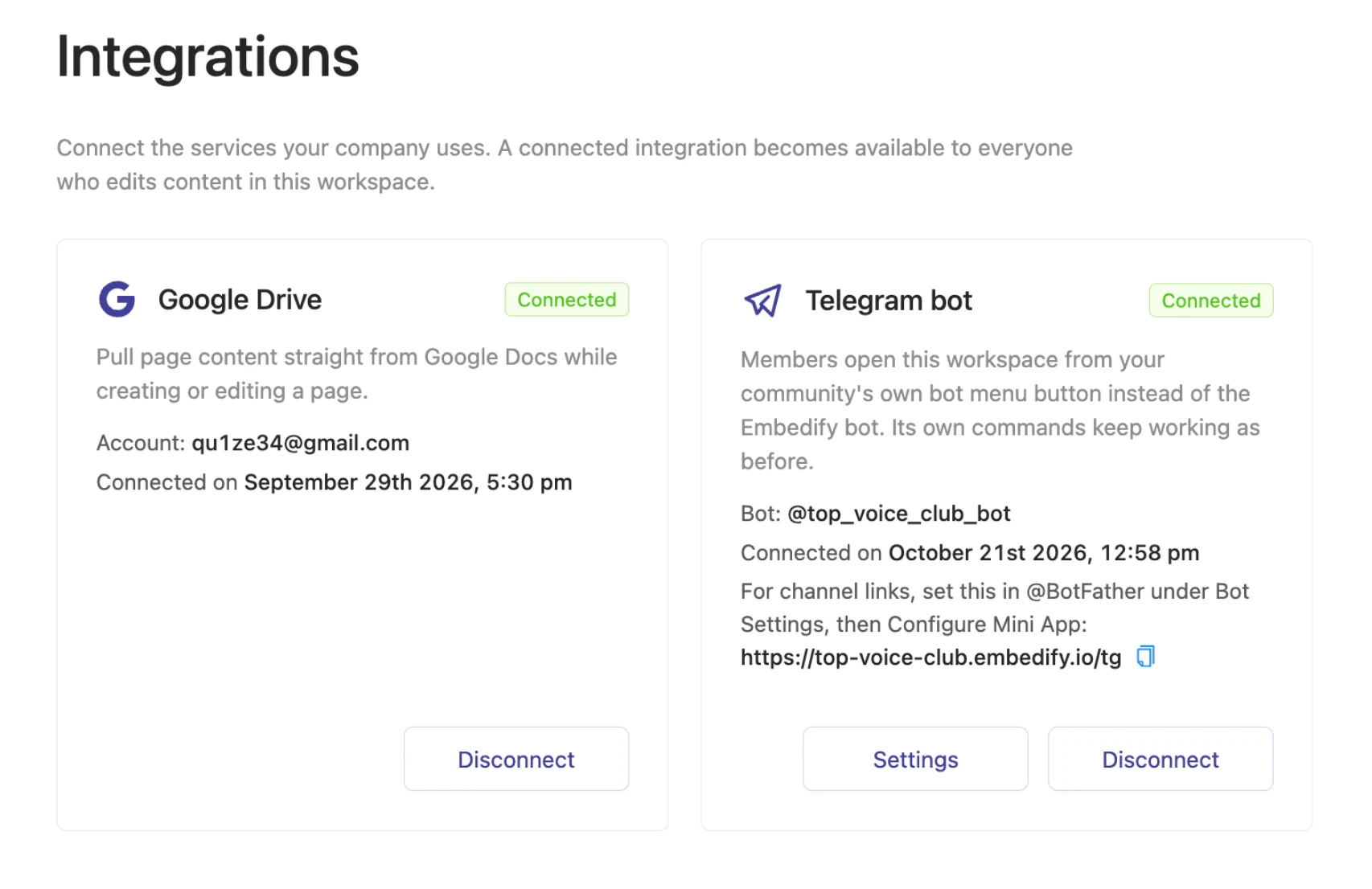
Import Google Docs and keep them in sync. Edit the SOP in Docs, and the page updates. Details on Google Docs sync.
Access follows the team group
Members of the connected Telegram group get access automatically. When someone leaves the group, access goes with them.
Search the way people ask
Full-text plus semantic search, so "how do I refund a customer" finds the page titled "Returns process".
Reading progress
See who opened and who finished each page, so you know whether the new SOP reached everyone.
A sample space structure
Onboarding (everyone)
  Welcome and how we work
  Tools and accounts
  First-week checklist

SOPs (everyone)
  Orders and returns
  Customer support replies
  Weekly reporting

Trainings (everyone)
  Recorded sessions with transcripts and summaries
  Product decks

Managers (managers only)
  Hiring playbook
  Pricing rules
Spaces and access groups decide who sees what, so the managers' space stays with managers. See spaces and access groups.
When another tool is the better pick
Embedify is built for reading and finding, inside Telegram. If your team co-writes documents all day, needs task tracking or databases, a workspace like Notion or Confluence will suit you better.
Choose a workspace tool
if the team collaborates on docs, projects and databases in one app, and Telegram is only one of several chats.
Choose Embedify
if the team lives in Telegram, writes in Google Docs, and needs a place people actually open to find the SOP.
Many teams use both: write in their workspace or Google Docs, and publish the final handbook to Embedify.
Comparing options? Read best knowledge base software and Notion vs Embedify.
What it costs
Free is $0 with no time limit for open content. Private access for up to 300 people, your own bot and Google Docs sync start on Basic, from $29/month. See pricing for Pro and Scale.