
 Download App
Telegram vs WhatsApp at a glance
| Telegram | ||
|---|---|---|
| Max members in a group | 200,000 | 1,024 |
| Broadcast to many people | Channels, unlimited subscribers | Channels (one-way) and community announcements |
| Grouping several chats | Topics inside one group | Communities: up to 100 groups |
| Community size | One group up to 200,000 | Up to 2,000 members per community |
| Split one chat by subject | Topics with their own history and notifications | Separate groups inside a community |
| Bots | Open Bot API, bots can be admins | Business messaging through Meta's platform |
| Admin rights | Per-admin rights in detail | Group-wide permission switches |
| Public discovery | Public groups and channels with t.me links | Channels can be found and browsed in the app |
| Mini Apps | Yes, web apps inside Telegram | No equivalent in the help pages |
Limits checked on telegram.org and faq.whatsapp.com in November 2026. Both apps change limits over time, so check the linked help pages before you plan around a number.
Group size limits
This is where the two apps differ most. According to Telegram, Telegram groups can have up to 200,000 members each, and any group can reach that size. A Telegram channel can have an unlimited number of subscribers.
WhatsApp's help center says you can create a WhatsApp group with up to 1,024 members. To go beyond one group, you use a WhatsApp community, which can hold up to 100 groups and up to 2,000 members in total. That 2,000 counts everyone across the community's groups and its announcement group.
In practice: a 150-person mastermind fits comfortably in either app. A 5,000-member professional community doesn't fit in one WhatsApp group or one WhatsApp community, while it's a mid-sized group by Telegram standards.
Channels vs groups vs communities
Both apps have more than one container for a community, and the names don't mean the same thing in each.
Telegram group
A chat where everyone can talk, up to 200,000 members. Admins can split it into topics and add bots.
Telegram channel
Admins post, subscribers read. Unlimited subscribers. Link a discussion group and every post gets a comment thread.
WhatsApp group
A chat for up to 1,024 members. Admins can limit who sends messages, edits settings or adds people.
WhatsApp community
A container for up to 100 groups plus an announcement group where only community admins post. Up to 2,000 members.
WhatsApp channel
A one-way broadcast. Followers react and vote in polls, but can't reply or message admins.
Telegram channel vs group
Use a Telegram channel when you publish and members mostly read: a newsletter, announcements, a creator's posts. Use a group when members talk to each other. Many communities run both: a channel for announcements and a linked group for discussion, so comments under each post also appear in the group.
WhatsApp community vs group
A WhatsApp group is a single chat. A WhatsApp community bundles several groups (say, "Introductions", "Jobs", "Events") under one name, with an announcement group that reaches all members. Only community admins can send announcements; members can reply to and react to them.
The community is WhatsApp's answer to structure. It works well for a school, a neighbourhood or a club with a few clear sub-groups, as long as the whole thing stays within 2,000 members.
Topics: one group, many conversations
Telegram topics split one group into separate threads, each with its own chat history, shared media and notification settings. Telegram describes them as working like classic forums. Admins turn topics on in group settings and decide who can create and manage them.
WhatsApp gets a similar result differently: you create separate groups inside a community. That means separate member lists, so someone can be in "Events" without being in "Jobs". Telegram topics keep one member list and one place to look.
Topics fix the noise in a busy chat. They don't fix finding the guide someone posted in March.
Bots and automation
Telegram has an open Bot API. Anyone can create a bot, add it to a group and give it admin rights. Telegram's own pages mention bots that screen new members and admin bots that apply temporary or permanent bans based on what members do. By default, bots in groups only see messages meant for them.
Telegram also has Mini Apps: web apps that open inside Telegram from a bot button or link, and receive the user's Telegram identity. That's how a community can have its own app inside the messenger without asking members to install anything. More on that in your own Telegram Mini App.
On WhatsApp, automated messaging runs through Meta's WhatsApp Business Platform, which is built for conversations between a business and its customers. If you need bots inside community groups, check Meta's current documentation for what's allowed.
Admin permissions
| Admin task | Telegram | |
|---|---|---|
| Who can post | Restrict individual members or set permissions for the group | "Send new messages" switch: everyone or admins only |
| Approve new members | Admin rights to add and manage members | "Approve new members" switch, off by default |
| Edit group info | Separate admin right | "Edit group settings" switch |
| Partial restrictions | Limit a member's rights, for example no stickers or media | Not described in the help pages |
| Admin rights | Set each admin's rights in detail | Choose who is admin; community up to 20 admins |
| Audit trail | Admin log of the last 48 hours, including deleted messages | Not described in the help pages |
| Hide member list | Large groups can show members to admins only | Channel followers can't see each other |
WhatsApp's controls are simpler: a handful of switches that apply to the whole group. For a small group that's a plus, since there's less to configure. Telegram gives each admin a specific set of rights, which helps when a moderator team runs a large group and you don't want everyone able to add admins or delete messages.
Discoverability and growth
Telegram public groups and channels get a short t.me link. Anyone can view a public group's chat history and join it. Content in public channels can be viewed on the web without an account and is indexed by search engines, and each post has its own link you can share anywhere.
WhatsApp groups grow through invite links, admins adding people, or a community. WhatsApp channels can be found and browsed in the app before someone follows. For a private, invite-only community, WhatsApp's model is closer to what you want out of the box.
Where WhatsApp is the better choice
Choose WhatsApp
if your members already use it every day and won't install another messenger, your community fits within 1,024 per group and 2,000 per community, and you want simple, group-wide settings over fine-grained admin roles.
Choose Telegram
if you expect more than 2,000 members, want topics, bots and Mini Apps, need detailed admin rights for a moderator team, or want public channels that people can find on the web.
Plenty of communities use both: WhatsApp for a small inner circle, Telegram for the wider membership. Pick the app where your members already are.
The gap Telegram and WhatsApp share: neither is a library
Whichever app you pick, the chat moves on. The recording from last Tuesday, the onboarding checklist, the answer to the question someone asks every week: all of it sinks under new messages. Pinned messages help until you have 20 of them. Topics help until someone needs a document from 6 months ago.
A chat as the only home
- Links to recordings lost under thousands of messages
- New members ask questions that were answered last month
- Search finds words in messages, not the right document
- Materials kept in Notion or Drive need separate invites
A chat plus a knowledge base
- Each recording on its own page with a transcript and summary
- You answer with a link to the page
- Search across docs, decks and video transcripts
- Access that follows group membership
Adding a knowledge base to Telegram
This is the part where Telegram's Mini Apps make a real difference. With Embedify, your community's library opens inside Telegram: members tap a button in the chat and read without leaving the app or creating an account.
- Members of your connected Telegram group get access automatically, and people who leave lose it.
- Import Google Docs and keep them in sync, or write pages in the editor.
- YouTube and Vimeo recordings get a transcript and an AI summary.
- Full-text and semantic search across everything.
- Your own bot name and avatar from $29/month. The Free plan has no time limit.
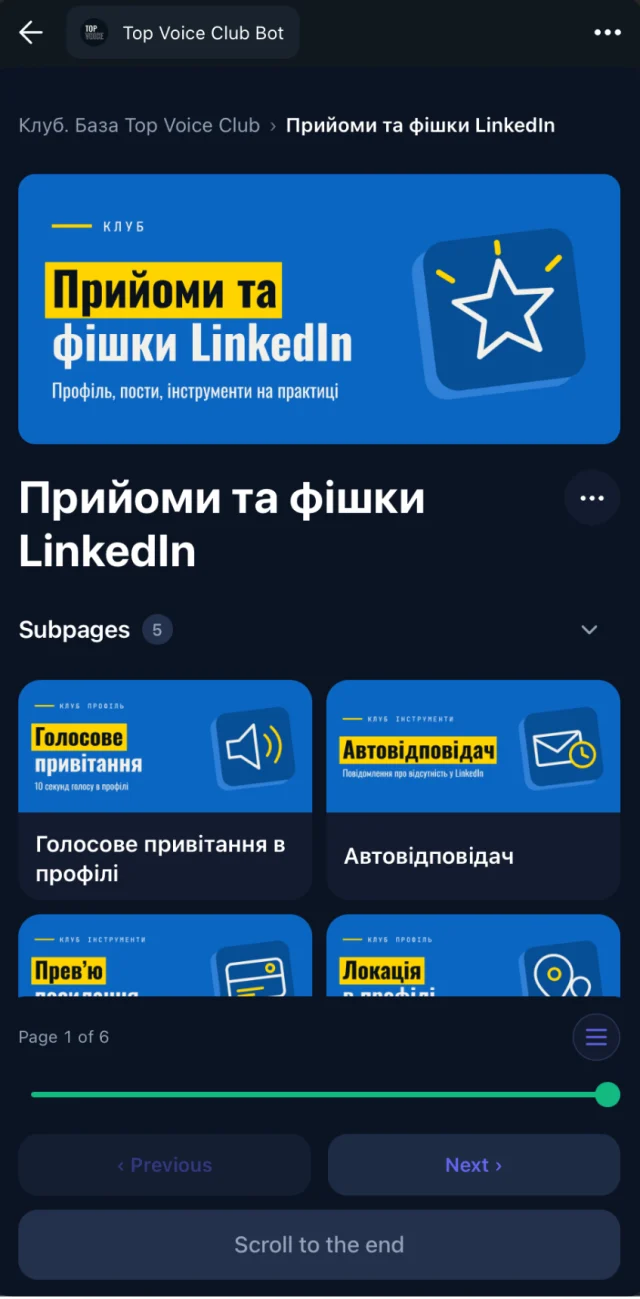
The full picture is on Telegram knowledge base, and the access side on automatic access for Telegram group members.
Sources
- Telegram FAQ: groups, topics, admins and bots
- Telegram: Groups tour (200,000 members, admin rights, public groups)
- Telegram: Channels tour (unlimited subscribers, discussion groups, search)
- Telegram blog: Topics in groups
- Telegram: Mini Apps documentation
- WhatsApp Help: How to create and invite into a group (1,024 members)
- WhatsApp Help: How to create a community (100 groups, 2,000 members)
- WhatsApp Help: About community announcements
- WhatsApp Help: How to manage community admins (20 admins)
- WhatsApp Help: How to change group admin settings
- WhatsApp Help: About WhatsApp Channels